Physical Address
304 North Cardinal St.
Dorchester Center, MA 02124
Physical Address
304 North Cardinal St.
Dorchester Center, MA 02124
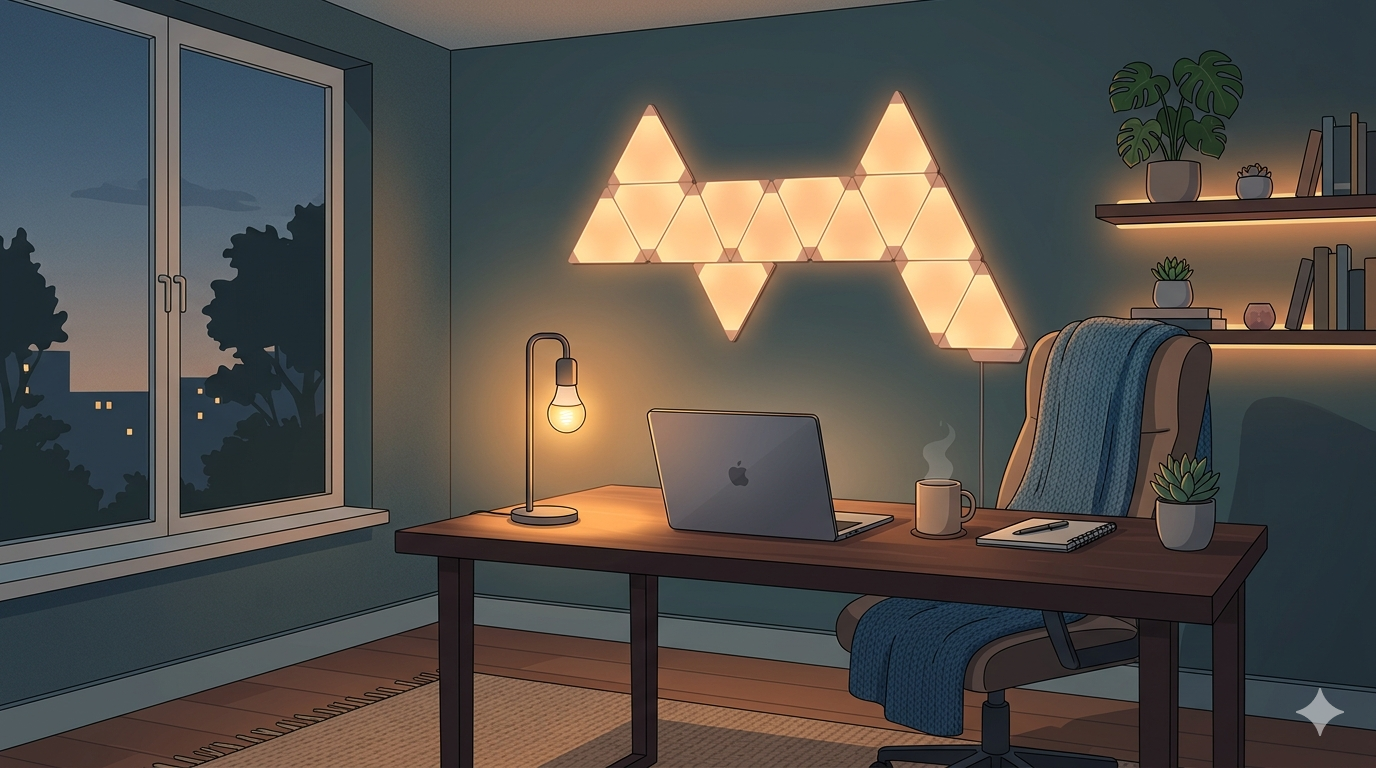
One of the biggest friction points for the high-performance remote worker is the “transition.” We know we should dim the lights, we know we should avoid blue light, but after a long day of intense decision-making, the last thing we want to do is manually adjust every lamp in the house. This is where smart home automation moves from “expensive gadget” to “essential recovery gear.” When your livelihood depends on your cognitive clarity, leaving your biological recovery to chance is a rookie mistake. By automating your lighting, you remove the human error from your circadian biology.
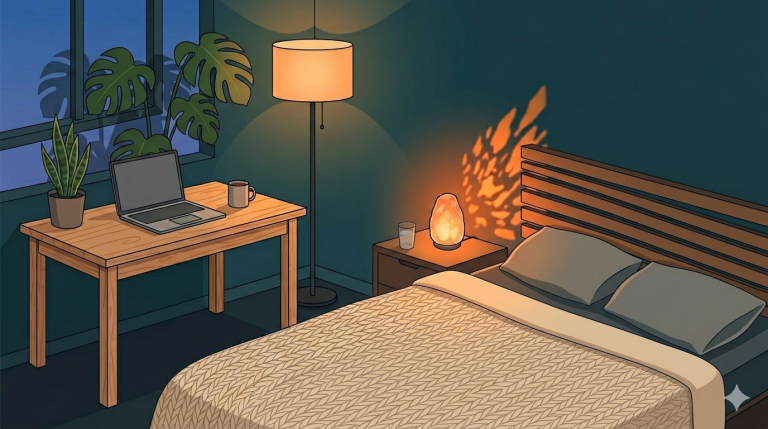
The goal is to simulate a natural sunset inside your home office—an environment that is often starkly different from the world outside your window. As your workday ends, your environment should automatically shift from a high-energy, 5000K “Daylight” blue to a warm, 2000K “Amber” glow. This shift triggers the natural release of melatonin, signaling to your brain that the “Work Version” of you is clocking out and the “Rest Version” is taking over. But not all smart bulbs are created equal. Some offer better color accuracy, while others offer more robust automation features that cater to the irregular hours of a global remote career.
In this showdown, we are comparing the two titans of the smart lighting world: Philips Hue and Nanoleaf. We are looking specifically at how they integrate into a remote worker’s lifestyle, their reliability under “bandwidth stress,” and which one provides the most seamless “Digital Sunset” experience.
To understand why smart lighting matters, we have to look at the photoreceptors in our eyes. Beyond the rods and cones that help us see color and shape, we have Intrinsically Photosensitive Retinal Ganglion Cells (ipRGCs). These cells contain a photopigment called melanopsin, which is specifically tuned to detect blue light in the 480nm range. When melanopsin detects this light—which is abundant in standard office LEDs and computer screens—it sends a direct signal to the Suprachiasmatic Nucleus (SCN), your brain’s master clock.
The signal is clear: “The sun is up. Stop producing melatonin and start producing cortisol.”
Light is measured on the Kelvin (K) scale. High Kelvin light (5000K-6500K) mimics the midday sun. It boosts alertness, improves reaction time, and is ideal for deep work. However, if this light persists after 7:00 PM, your cortisol levels remain artificially elevated, keeping your core body temperature high and your heart rate variability (HRV) low. Low Kelvin light (2000K-2700K) mimics the long wavelengths of a campfire or sunset. These wavelengths do not trigger melanopsin, allowing your pineal gland to begin the 2-hour “ramp-up” of melatonin production. According to the Lighting Research Center, the timing and spectral composition of evening light are the most critical factors for maintaining a healthy sleep-wake cycle. For the remote worker, smart bulbs are the only way to “hack” this timing without living in total darkness.
Many budget smart bulbs claim to offer “White Ambiance,” but they often achieve “warm” tones by simply dimming a blue-heavy LED or adding a yellow filter. This is “fake” warmth. True circadian lighting, like that found in high-end Philips Hue or Nanoleaf Essentials, utilizes dedicated red and amber diodes to create a spectrum that is biologically “quiet.” When we talk about a “Digital Sunset,” we aren’t just talking about making the room look cozy; we are talking about a precision-engineered biological intervention.
Philips Hue is the undisputed heavyweight champion of smart lighting, and for the remote professional, its greatest strength is its reliability. Their system relies on a “Bridge” (Zigbee), which creates its own mesh network. This is a critical distinction: your lights do not compete with your Zoom calls or your file uploads for Wi-Fi bandwidth.
The Remote Work Use Case: The “Always-On” Global Team
If you work for a company with headquarters in a different time zone, you might find yourself in meetings at 8:00 PM or 6:00 AM. Philips Hue allows you to create “Zones.” You can keep your background lighting warm and circadian-friendly while using a single “Key Light” (like a Hue Play Bar) at a cooler temperature just for your webcam. This ensures you look professional on screen without nuking your melatonin for the rest of the night.
Nanoleaf is the challenger that has taken the tech world by storm. Their Essentials line uses the new “Matter” and “Thread” standards. Thread is a self-healing mesh network similar to Zigbee, but it doesn’t require a proprietary bridge—you just need a “Border Router” like an Apple HomePod or a certain Eero router.
The Remote Work Use Case: The Creative Studio
For those whose home office is a creative sanctuary, Nanoleaf offers more than just light; it offers inspiration. Their “Shapes” and “Elements” (wood-look panels) can be programmed to pulse with your music or reflect the colors on your screen. During the day, you can set them to a vibrant, energizing “Forest” scene. At night, they can transition into a slow-moving “Embers” glow that provides just enough light to move around without signaling alertness to your brain.
| Feature | Philips Hue | Nanoleaf Essentials |
|---|---|---|
| Connection Type | Zigbee (Bridge Required) | Thread/Matter (Border Router Required) |
| Circadian Presets | “Natural Light” (Elite) | “Circadian Lighting” (Good) |
| Color Accuracy | Industry Leading | High |
| Automation Stability | 10/10 | 7/10 |
| Price Point | Premium (\($) | Mid-Range (\)) | |
| Best For | Total Reliability & Sleep | Modern Office Aesthetic |
Whether you choose Hue or Nanoleaf, the hardware is only half the battle. To truly optimize your sleep, you need a protocol. Here is the “Rivers Standard” for a remote work digital sunset:
If you want the most reliable, science-backed automation for your circadian health, Philips Hue is the definitive winner. The “Natural Light” scene in the Hue app is perfectly tuned to the human biological clock, transitioning your home from “Work Mode” to “Rest Mode” without you ever lifting a finger. It is a premium product with a premium price, but when you factor in the “lost productivity” of a single night of bad sleep, the system pays for itself in months.
However, if you are a creative or a developer who wants a more “modern” look for your office and you are already in the Apple or Google Home ecosystem, Nanoleaf offers incredible value. It is the perfect entry point into the world of circadian hacking.
Smart lighting is the “automation layer” of your sleep sanctuary. Now that you’ve compared the best bulbs, our next guide will show you exactly how to program these tools to create the perfect “Digital Sunset” routine. We’ll look at the specific app settings and third-party tools that can help you bridge the gap between your monitor and your mattress. For today, look up at your office lights. If they are the same brightness at 8:00 PM as they were at 8:00 AM, you are fighting a losing battle with your own biology.