Physical Address
304 North Cardinal St.
Dorchester Center, MA 02124
Physical Address
304 North Cardinal St.
Dorchester Center, MA 02124
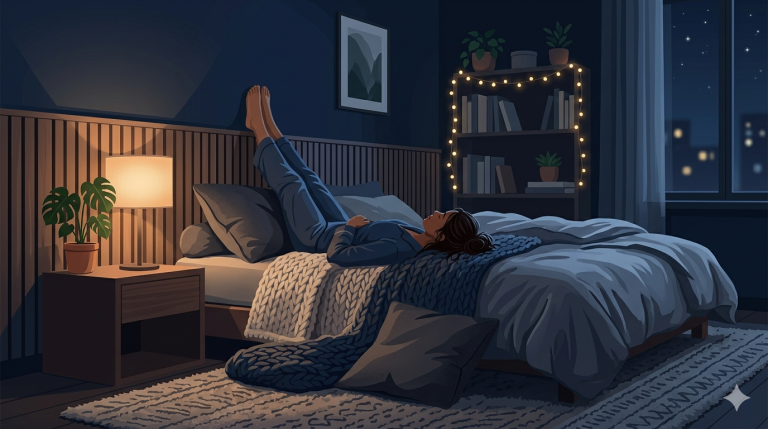
It’s 10:45 PM. You’re lying in bed, the soft glow of your smartphone illuminating the dark room. You told yourself you were just checking the weather for tomorrow, but a red notification dot on the Slack icon caught your eye. It’s a message from a colleague in a different time zone. It’s not urgent—not really—but the mere act of reading it has set off a chain reaction in your brain.
Suddenly, you’re thinking about that project deadline. You’re mentally drafting a response. You’re wondering if you missed an email from your manager. The “Always-On” culture of modern remote work has claimed another victim.
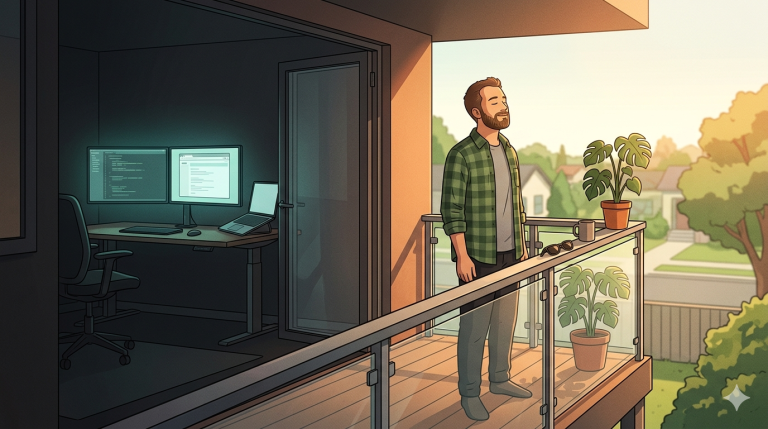
For the remote worker, the boundary between “work” and “life” isn’t just blurred; it’s often non-existent. When your laptop is ten feet from your bed, the psychological “commute” home never happens. Your brain remains in a state of high-arousal, scanning for threats (or pings) long after you’ve officially “clocked out.” This isn’t just a productivity problem—it’s a biological crisis. We are living in a world where the office never closes, and as a result, the brain never rests.
Tonight, we’re going to look at the invisible tether that keeps you connected to your desk and, more importantly, how to cut it. We’ll explore the neurological impact of “Always-On” culture and provide a roadmap for reclaiming your sleep sanctuary from the digital ghosts of your workday.
When you work in an environment where you are expected to be reachable at all times, your body remains in a state of low-grade chronic stress. Dr. Robert Sapolsky, a renowned neurobiologist at Stanford University, has written extensively about the impact of stress on the body. When you anticipate a work-related notification, your adrenal glands release small amounts of cortisol—the “stress hormone.”
In a traditional office, cortisol levels typically peak in the morning and taper off as the workday ends. However, for remote workers in an “Always-On” culture, cortisol levels can remain elevated late into the evening. This sustained cortisol presence inhibits the production of melatonin, the hormone responsible for signaling to your brain that it’s time to sleep. You aren’t just “stressed”; you are biologically blocked from entering a restful state.
The Zeigarnik Effect is a psychological phenomenon where people remember uncompleted or interrupted tasks better than completed tasks. In a remote work setting, where tasks are often fluid and digital, your brain can become trapped in a loop of “unfinished business.”
Every time you check a work message after hours, you are feeding the Zeigarnik Effect. You are giving your brain a new set of incomplete tasks to ruminate on. This leads to “cognitive arousal”—a state where your mind is too active to fall asleep. Even if you manage to drift off, this arousal often leads to fragmented sleep and frequent middle-of-the-night awakenings, as your brain continues to process work-related data in the background.
How deep is your “Always-On” conditioning? Score yourself on a scale of 1-5 for each statement (1 = Never, 5 = Every Day).
Scoring Your Stress:
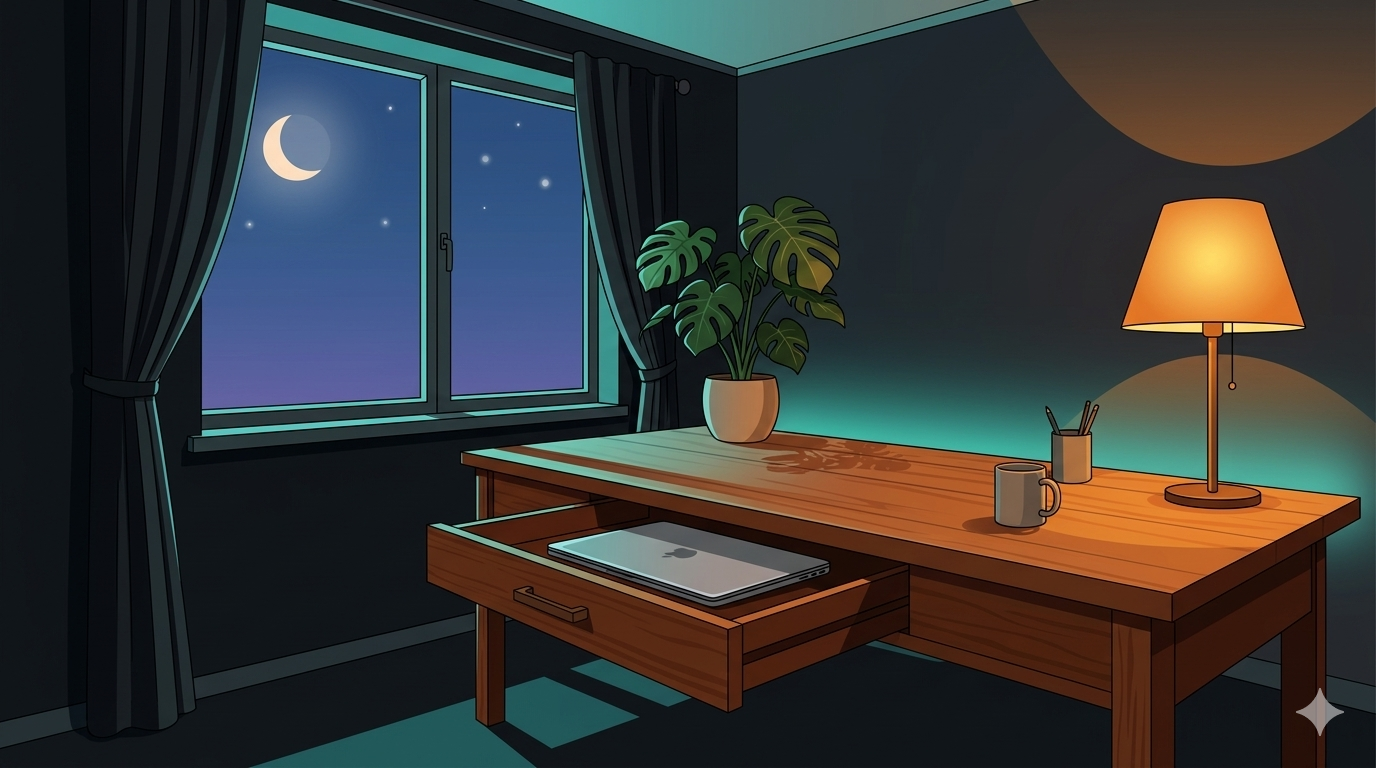
If you can see your work, your brain is working. The most effective way to disconnect is to create physical distance between yourself and your tools. This means more than just closing your laptop; it means removing it from your sight.
In a remote environment, the “end of the day” is a choice, not a clock-out. You must establish a “Hard Stop” time and communicate it clearly to your team.
Your phone is a gateway to your office. To reclaim your sleep, you must aggressively manage how and when it speaks to you.
The hardest boundary to set is the one inside your own head. Many remote workers feel a sense of guilt for not being “constantly available,” fearing that it will be perceived as a lack of productivity.
Disconnecting isn’t a one-time event; it’s a daily practice. This week, your mission is to implement the “Work Vault” strategy. Put your tech away and see how it affects your “time to fall asleep.”
Coming Up Next: We’re staying in the realm of the mind as we look at Anxiety and Sleep, where we’ll provide specific techniques for the “racing mind” that plagues so many overthinking remote workers.