Physical Address
304 North Cardinal St.
Dorchester Center, MA 02124
Physical Address
304 North Cardinal St.
Dorchester Center, MA 02124
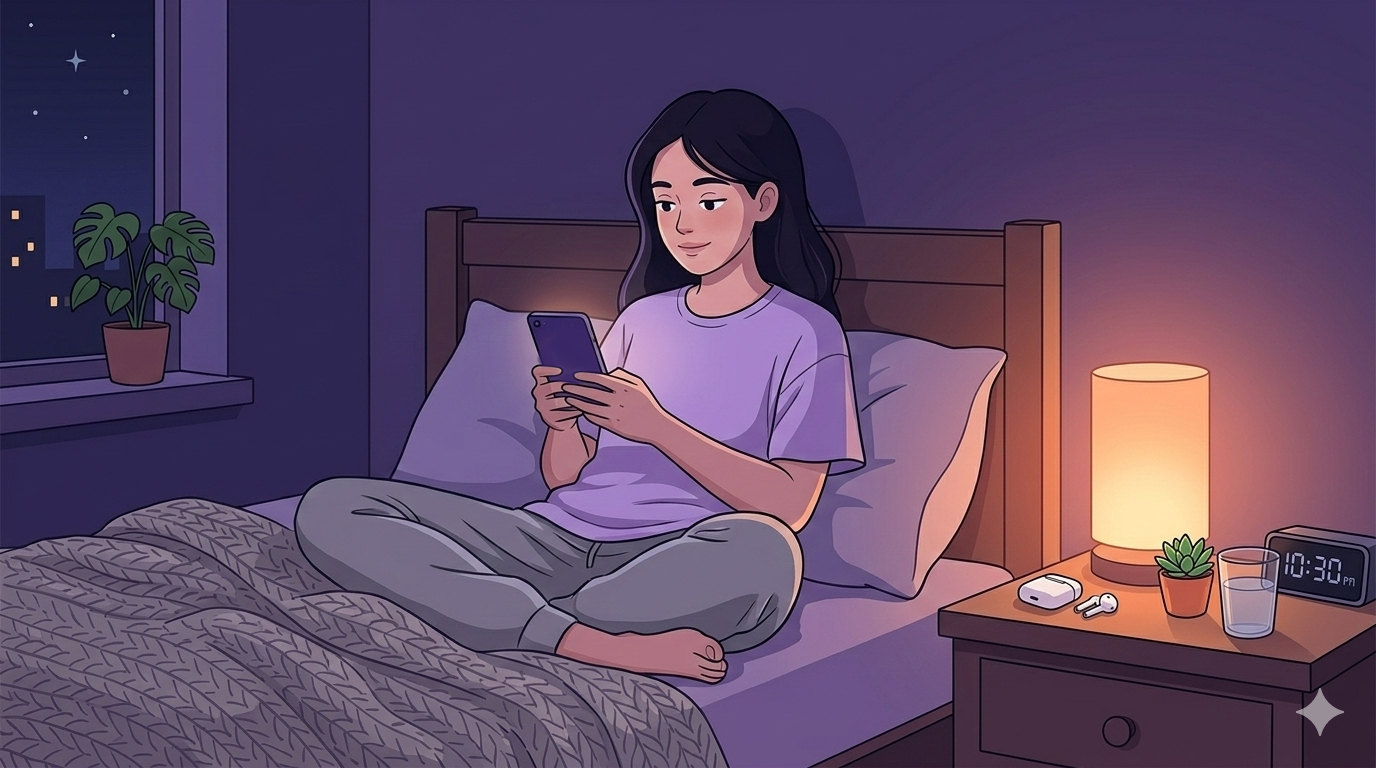
Here’s a paradox of modern remote work: the same smartphones and tablets that can sabotage our sleep with late-night scrolling and blue light exposure can also become powerful allies in our quest for better rest. While we’ve talked about the importance of a “digital sunset” and putting devices away before bed, there’s actually a fascinating world of sleep-focused apps that can transform your phone into a sleep optimization tool.
The challenge isn’t finding sleep apps – there are thousands. The real challenge is finding the ones that actually work, provide meaningful insights, and fit seamlessly into your remote work lifestyle. After researching and testing dozens of sleep apps, I’ve identified the ones that can truly make a difference in your sleep quality and, by extension, your remote work performance.
Whether you’re struggling with racing thoughts after a busy workday, need help creating a consistent sleep schedule, or want to understand your sleep patterns better, there’s likely an app that can help. Let’s explore the best options and how to use them effectively.
Remote work comes with unique challenges that sleep apps are particularly well-suited to address:
Accessibility: Most are free or low-cost, making quality sleep improvement tools available to everyone.
Flexibility: Apps can adapt to irregular schedules, travel, and changing work demands.
Privacy: You can work on sleep improvement without sharing personal details with others.
Integration: Many apps work with existing devices and wearables you already own.
Personalization: Advanced apps learn your patterns and provide customized recommendations.
Convenience: Everything you need fits in your pocket, available whenever you need it.
Let’s explore the best apps organized by the specific challenges they address:
Calm: The Sleep Story Champion
What makes it special: Calm has revolutionized bedtime routines with their famous “Sleep Stories” – essentially bedtime stories for adults. These aren’t children’s tales, but rather soothing narratives designed to occupy your mind just enough to prevent racing thoughts while being boring enough to help you drift off.
Remote Worker Benefits:
“Daily Calm” 10-minute meditations perfect for midday stress breaks
Extensive library of sleep stories (over 100 options)
Breathing exercises for when work stress is affecting your sleep
Nature sounds and music for focus during work hours
Real-World Impact: Users report falling asleep faster and feeling less anxious about work-related stress at bedtime.
Cost: Free version available, premium subscription for full access
Calm Premium Annual Subscription Often available at discounted rates during promotions
Headspace: The Mindfulness Approach
What makes it special: Headspace takes a structured, educational approach to meditation and sleep. Their “Sleepcasts” are audio experiences that guide you through relaxing visualizations, while their daytime meditations help address the root causes of sleep problems.
Remote Worker Benefits:
“Focus” meditation sessions for better work concentration
Specific programs for work stress, overwhelm, and anxiety
Sleep meditations tailored to different issues (racing thoughts, physical tension)
Mini-meditations for quick stress relief between meetings
Real-World Impact: Particularly effective for remote workers who struggle with “switching off” from work mode.
Cost: Free version available, premium subscription for full access
Headspace Premium Annual Subscription Student and family plans often available
Brain.fm: The Science-Backed Audio
What makes it special: Brain.fm creates audio specifically designed to influence brainwave patterns. Their sleep tracks use neuroscience research to create sounds that actually help your brain transition into sleep states.
Remote Worker Benefits:
“Focus” tracks for deep work sessions
Sleep tracks that adapt to your sleep stage
Scientifically designed to be more effective than generic white noise
Timers that gradually fade out as you fall asleep
Real-World Impact: Users report deeper sleep and better focus during work hours.
Cost: Free trial, then subscription-based
Brain.fm Premium Subscription Often offers extended free trials
MyNoise: The Customization King
What makes it special: MyNoise offers incredibly detailed control over soundscapes. You can adjust individual frequency bands, mix different sounds, and create personalized audio environments that mask specific disturbances in your home.
Remote Worker Benefits:
Perfect for masking home office noise during sleep
Binaural beats for focus and relaxation
Calibrated to your specific hearing and preferences
Offline capability for travel
Real-World Impact: Ideal for remote workers dealing with inconsistent home environments.
Cost: Free with optional in-app purchases for specific generators
Noisli: The Productivity-Sleep Bridge
What makes it special: Noisli combines focus sounds for work with relaxation sounds for sleep, making it perfect for remote workers who want one app for both productivity and rest.
Remote Worker Benefits:
Seamless transition from work focus sounds to sleep sounds
Timer functions for work sessions and sleep
Minimalist design that’s not distracting
Available across all devices with sync
Real-World Impact: Helps create consistent audio environments throughout your day.
Cost: Free version available, premium for full features
Sleep Cycle: The Gentle Wake-Up Expert
What makes it special: Sleep Cycle uses your phone’s microphone to track your sleep patterns and wakes you during your lightest sleep phase, helping you avoid that groggy feeling that can ruin your morning productivity.
Remote Worker Benefits:
Smart alarm prevents grogginess that affects morning productivity
Sleep quality trends help you understand what affects your rest
Snore detection and analysis
Integration with Apple Health and Google Fit
Real-World Impact: Users report feeling more alert and energized for their morning work sessions.
Cost: Free version available, premium for advanced features
Sleep Cycle Premium Often bundled with other health apps
AutoSleep (iOS with Apple Watch): The Automatic Tracker
What makes it special: If you have an Apple Watch, AutoSleep automatically tracks your sleep without any input from you. It provides detailed analysis and integrates seamlessly with other health apps.
Remote Worker Benefits:
Completely automatic – no need to remember to start tracking
Detailed sleep stage analysis
Integration with Apple’s health ecosystem
Readiness scores to help plan your workday intensity
Real-World Impact: Provides consistent sleep data without any effort on your part.
Cost: One-time purchase
AutoSleep for Apple Watch Requires Apple Watch for full functionality
Sleep Reset: The Personalized Coach
What makes it special: Sleep Reset takes a comprehensive approach, combining sleep tracking with personalized coaching based on cognitive behavioral therapy for insomnia (CBT-I) principles.
Remote Worker Benefits:
Personalized sleep improvement plans
Addresses common remote work sleep challenges
Progress tracking and accountability
Evidence-based approach to sleep improvement
Real-World Impact: Helps address underlying behaviors that affect sleep quality.
Cost: Premium app with free trial
Sleep Foundation App: The Education Hub
What makes it special: Created by the Sleep Foundation, this app focuses on education and evidence-based sleep improvement strategies rather than just tracking.
Remote Worker Benefits:
Evidence-based sleep improvement strategies
Educational content about sleep and productivity
Tools for creating better sleep environments
No subscription required
Real-World Impact: Helps you understand the “why” behind sleep recommendations.
Cost: Free
Rather than trying to use every app, create a focused “stack” that addresses your specific needs:
Sleep tracking: Sleep Cycle for basic tracking and smart alarms
Relaxation: Calm for sleep stories and meditation
Sleep tracking: Sleep Cycle or AutoSleep
Meditation: Headspace or Calm
Soundscapes: MyNoise or Brain.fm
Education: Sleep Foundation App
Professional tracking: Oura Ring app or similar
Meditation: Both Calm and Headspace for variety
Soundscapes: Brain.fm for science-based audio
Habit building: Sleep Reset for behavioral change
Environment: Smart home apps integrated with sleep routine
Week 1: Foundation Building
Download one sleep tracking app and one relaxation app
Use the tracking app to establish your baseline sleep patterns
Try different relaxation content to find what works for you
Don’t make major changes yet – just observe and explore
Week 2: Pattern Recognition
Review your sleep data and look for patterns
Note correlations between your work schedule and sleep quality
Experiment with different types of relaxation content
Begin using apps consistently as part of your bedtime routine
Week 3: Optimization
Implement one change based on your data (earlier bedtime, different sounds, etc.)
Set up smart alarms to wake during lighter sleep phases
Use meditation apps for stress management during the day
Create app-based bedtime routines
Week 4: Integration
Integrate your sleep apps with your work schedule
Use focus apps during work hours and sleep apps for rest
Fine-tune your app settings based on what you’ve learned
Plan for long-term consistency
Cross-App Integration: Many apps work together. For example, you can use Apple Health to combine data from multiple apps for a comprehensive view of your sleep patterns.
Seasonal Adjustments: Modify your app routines as seasons change, adjusting bedtimes and wake times to match natural light patterns.
Travel Optimization: Most apps have travel modes or can be quickly adjusted for different time zones and environments.
Work Schedule Integration: Use calendar apps to automatically adjust your sleep app settings based on your work schedule.
App Overload: Don’t try to use every app at once. Start with one or two and add more gradually.
Perfectionism: Don’t stress about perfect sleep scores. Use apps as tools for improvement, not sources of anxiety.
Ignoring Consistency: The best app is useless if you don’t use it consistently. Choose apps you actually enjoy using.
Notification Overload: Turn off sleep-related notifications during work hours to avoid distraction.
The right sleep apps can be powerful tools for remote workers looking to optimize their rest and boost their productivity. The key is choosing apps that address your specific challenges and using them consistently as part of a broader sleep optimization strategy.
Remember, apps are tools, not magic solutions. They provide guidance, insights, and convenience, but the real transformation happens when you act on their recommendations and build sustainable sleep habits. The most sophisticated sleep tracking app won’t help if you ignore its insights, and the best meditation app won’t work if you only use it sporadically.
Start with one app that addresses your biggest sleep challenge – whether that’s falling asleep, staying asleep, or waking up refreshed. Use it consistently for at least two weeks before adding another tool to your arsenal. Focus on building habits first, then optimizing with additional apps and features.
Your phone doesn’t have to be the enemy of good sleep. With the right apps and approach, it can become your personal sleep coach, helping you achieve the restorative rest you need for peak remote work performance.
Before investing in premium apps, try these free options:
Insight Timer – Free meditation app with thousands of sleep-focused sessions
Atmosphere – Free soundscape app with nature sounds and white noise
Sleep Stories Podcast – Free sleep stories available on most podcast platforms
Headspace Free – Basic meditations and sleep sounds at no cost
□ Identify your primary sleep challenge (falling asleep, staying asleep, waking up)
□ Choose one tracking app and one relaxation app
□ Set up your phone for sleep mode (Do Not Disturb, night mode)
□ Create a 30-minute pre-sleep routine using your chosen apps
□ Track your sleep for one week before making changes
□ Gradually add more apps and features based on your needs
□ Review and adjust your app stack monthly
Sweet dreams, and even more productive remote work days ahead!