Introduction
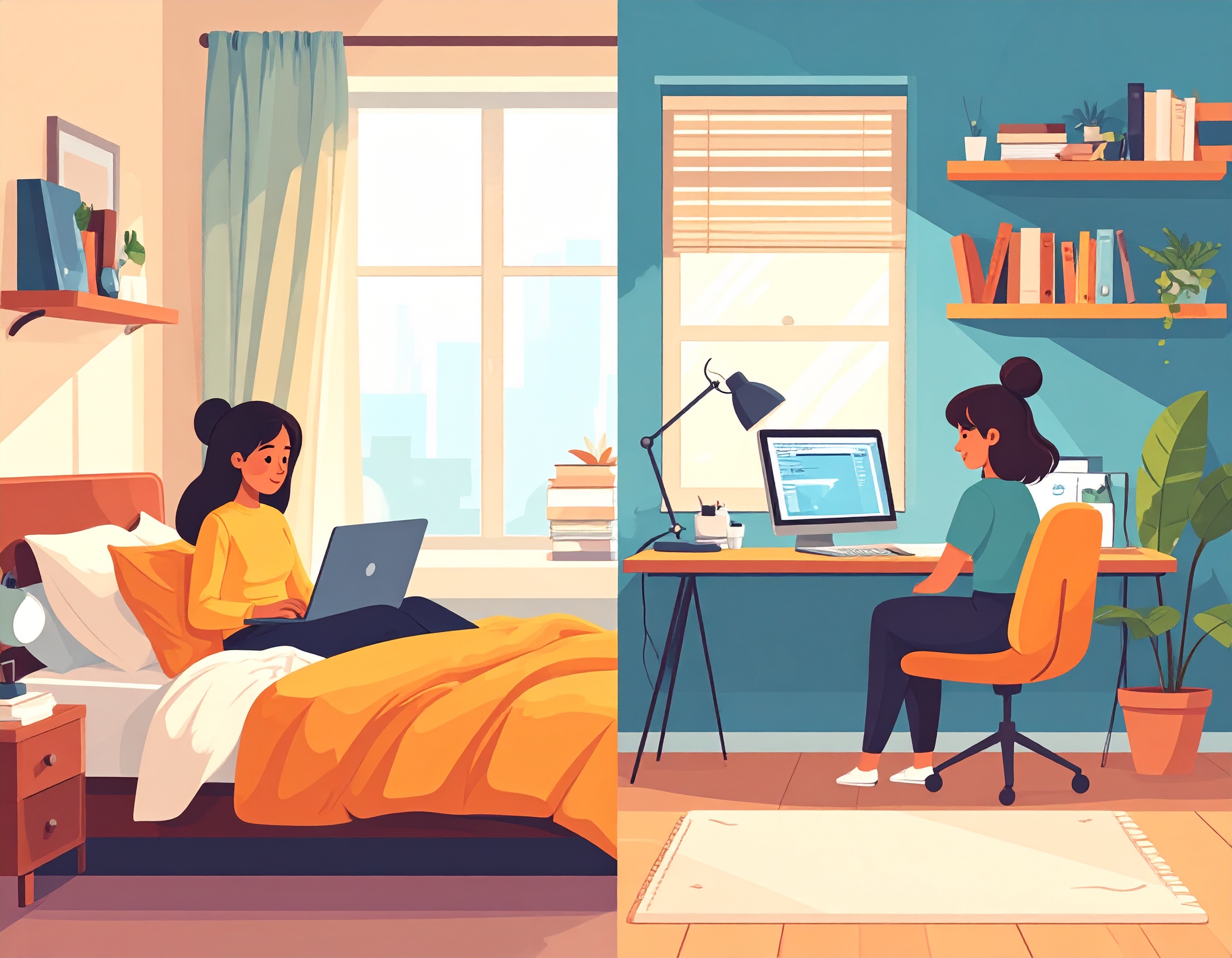
Your home office, the place where you spend hours focused on work, might be the silent saboteur of your sleep. For remote workers, the lines between “work mode” and “rest mode” often blur, leading to a constant state of low-level arousal that makes falling asleep difficult. It’s not just about what you do in bed; it’s about how your entire work environment impacts your brain’s ability to wind down.
As a remote work sleep specialist, I’ve seen firsthand how a few simple adjustments to your home office can dramatically improve your sleep quality. The difference isn’t just noticeable—it’s transformative. I’ve worked with clients who went from lying awake for hours to falling asleep within 20 minutes, simply by optimizing their workspace for better sleep.
Forget generic advice about “good sleep hygiene.” This is about creating an optimized workspace that signals “sleep” when the workday ends, leveraging the unique advantages of working from home while eliminating the hidden sleep disruptors that most remote workers never consider.
The Hidden Sleep Science of Your Home Office
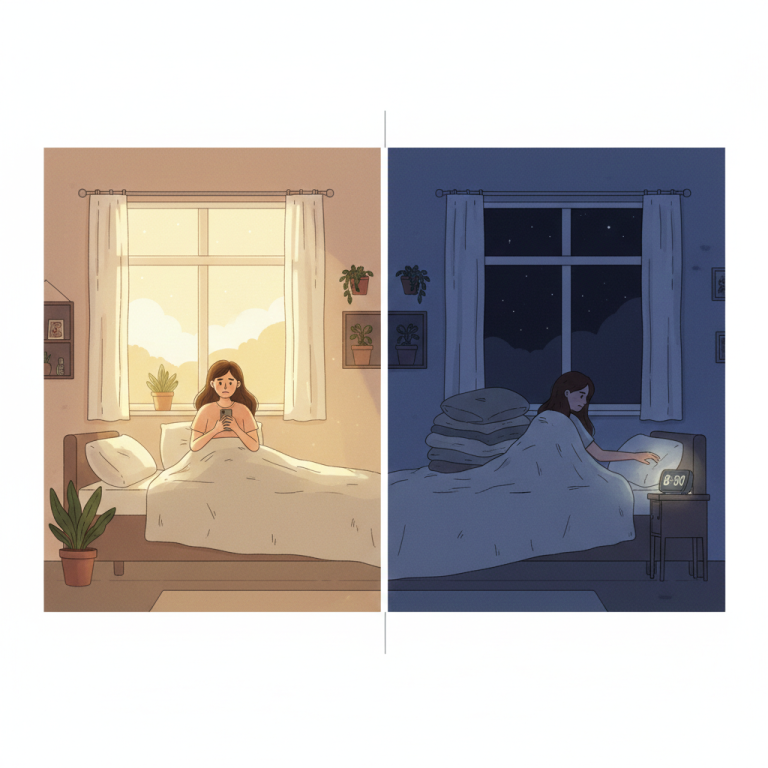
Before diving into solutions, let’s understand why your home office has such a profound impact on your sleep. Your brain is constantly processing environmental cues to determine whether it’s time to be alert or time to rest. When these cues are mixed or confusing, your internal systems struggle to make the transition from work mode to sleep mode.
Research shows that our brains create powerful associations between spaces and states of mind. When your bedroom doubles as your office, or when your office environment sends “stay alert” signals well into the evening, you’re essentially training your brain to resist sleep. The good news? Once you understand these mechanisms, you can work with them instead of against them.
The Home Office Sleep Saboteurs (Deep Dive)
1. The Light-Sleep Connection: Beyond Blue Light
Your office lighting directly influences your circadian rhythm, but the relationship is more complex than just avoiding blue light. Your brain uses light exposure patterns throughout the entire day to calibrate your internal clock.
- The Science: Studies show that exposure to bright light in the evening can shift your body’s internal clock, making it harder to fall asleep at your desired time. But here’s what most people don’t realize: the contrast between your daytime and evening light exposure is just as important as the absolute levels.
- The Remote Worker Challenge: When you work in the same space all day with artificial lighting, you lose the natural light variation that would normally occur with a commute, outdoor breaks, and different environments. This can flatten your circadian rhythm, making it harder to achieve the dramatic shift toward sleepiness that you need at night.
- Advanced Strategy: Create what I call “light layers” in your office. Use different light sources at different times of day, and vary the intensity and color temperature throughout your work hours to mimic natural light patterns.
2. Sound Sensory Overload: The Stress Response Connection
Constant notifications, street noise, or even a humming computer can keep your brain on high alert. While you might tune it out during the day, this background noise can subtly raise your stress levels, making it difficult for your nervous system to relax later.
- The Deeper Issue: Your brain has evolved to monitor your environment for potential threats, even when you’re focused on work. Unpredictable sounds trigger micro-stress responses throughout the day, elevating cortisol levels and making it harder to wind down at night.
- The Cumulative Effect: These tiny stress responses add up. By the end of the day, your nervous system may be in a heightened state of alertness, even if you feel mentally tired. This is why you might feel exhausted but “wired” at bedtime.
3. The Ergonomics of Restlessness: Physical Tension’s Sleep Impact
An uncomfortable chair or poor desk setup leads to physical tension. This discomfort doesn’t just cause back pain; it translates into restlessness at night, preventing deep, restorative sleep.
- The Sleep Connection: Physical tension from poor ergonomics creates a cycle: discomfort during the day leads to muscle tension, which interferes with your ability to relax at night, which reduces sleep quality, which makes you more sensitive to discomfort the next day.
- The Posture-Sleep Link: Poor posture can also affect your breathing patterns, reducing oxygen flow and creating subtle stress on your cardiovascular system. This can contribute to sleep fragmentation and reduced sleep quality.
Optimizing Your Home Office for Optimal Sleep (Advanced Strategies)
Pillar 1: Master Your Light Environment
Daytime Brightness Optimization:
- Maximize Natural Light: Position your desk near a window if possible, but be strategic about glare. Use sheer curtains or blinds to diffuse harsh sunlight while maintaining brightness.
- Supplement Strategically: Use a bright, cool-toned (4000K-6500K) light source during work hours. Position it to avoid screen glare but ensure it reaches your eyes.
- Light Timing: Aim for your brightest light exposure in the first half of your workday. This helps anchor your circadian rhythm and makes the evening transition more dramatic.
Evening Dimming Protocol:
- The 3-Stage Transition: Start reducing light intensity 3 hours before bed, not just 2. Begin with a 30% reduction, then 60% two hours before bed, then 80% one hour before bed.
- Color Temperature Shifts: Gradually shift from cool daylight (6500K) to warm white (3000K) to amber (2200K) throughout the evening.
- Strategic Placement: Use table lamps and floor lamps instead of overhead lighting in the evening. Light from below or at eye level is less alerting than light from above.
Tool Recommendations:
- Smart Lighting Systems: Philips Hue [affiliate link] or LIFX [affiliate link] bulbs allow you to program automatic color temperature and brightness transitions throughout the day.
- Desk Lighting: The BenQ ScreenBar [affiliate link] provides excellent task lighting without screen glare, and the BenQ ScreenBar Halo [affiliate link] offers color temperature control.
- Bias Lighting: Place LED strips behind your monitor to reduce eye strain and create better contrast. The Govee Immersion TV Light Strip [affiliate link] can be adapted for monitors.
Pillar 2: Cultivate Calm Sounds
Noise Management Strategies:
- Notification Batching: Instead of turning off notifications entirely, batch them. Use apps like Freedom [affiliate link] or built-in focus modes to deliver notifications at specific times rather than constantly.
- Sound Masking vs. Elimination: Sometimes masking disruptive sounds is more effective than trying to eliminate them. Consistent background noise can help your brain filter out unpredictable sounds.
- Acoustic Environment Design: Consider the acoustics of your workspace. Hard surfaces create echo and amplify sounds, while soft furnishings (rugs, curtains, upholstered furniture) absorb sound and create a calmer environment.
Advanced Sound Tools:
- Noise-Canceling Options: The Sony WH-1000XM5 [affiliate link] headphones offer excellent noise cancellation for focused work, while the Bose QuietComfort Earbuds [affiliate link] provide more discrete noise control.
- White Noise Machines: The LectroFan EVO [affiliate link] offers multiple fan and white noise options, while the Hatch Restore [affiliate link] combines white noise with smart lighting for an integrated sleep system.
- Environmental Sound Apps: Brain.fm [affiliate link] provides scientifically-designed background sounds for different activities, including focused work and relaxation.
Pillar 3: Prioritize Ergonomics and Movement
Advanced Ergonomic Setup:
- Monitor Positioning: Your screen should be 20-26 inches from your eyes, with the top of the screen at or slightly below eye level. This prevents neck strain that can contribute to tension headaches and sleep problems.
- Keyboard and Mouse Placement: Keep your wrists neutral and your elbows at roughly 90 degrees. Consider a keyboard tray [affiliate link] if your desk is too high.
- Foot Support: Use a footrest [affiliate link] if your feet don’t rest flat on the floor. This improves circulation and reduces lower back tension.
Movement Integration:
- Micro-Breaks: Set a timer for every 25-30 minutes. Stand, stretch, or do light movement for 2-3 minutes. This prevents tension buildup and maintains healthy circulation.
- Desk Exercises: Simple neck rolls, shoulder shrugs, and spinal twists can be done without leaving your desk.
- Walking Meetings: When possible, take phone calls or video meetings while walking. This adds movement to your day and can improve creativity and focus.
Tool Recommendations:
- Ergonomic Seating: The Herman Miller Aeron [affiliate link] is the gold standard, but the Steelcase Leap [affiliate link] and Humanscale Freedom [affiliate link] are also excellent options. For budget-friendly choices, consider the Hbada Ergonomic Office Chair [affiliate link] or Sihoo Ergonomic Office Chair [affiliate link].
- Standing Desk Options: The Uplift V2 [affiliate link] or Jarvis Bamboo Standing Desk [affiliate link] allow you to alternate between sitting and standing throughout the day.
- Movement Reminders: The Apple Watch [affiliate link] or Fitbit [affiliate link] can remind you to move regularly throughout the day.
Your Sleep-Optimized Home Office Action Plan
Week 1: Assessment and Planning
- Light Audit: Track your light exposure throughout the day using a smartphone app like Light Meter [affiliate link]. Note when your office is brightest and when you start dimming lights.
- Sound Survey: Make a list of all the sounds in your workspace throughout the day. Which ones are predictable? Which ones are disruptive?
- Ergonomic Evaluation: Take photos of your workspace from different angles. Assess your posture and identify the biggest problem areas.
Week 2: Implementation
- Start with Lighting: Implement the 3-stage evening dimming protocol. If you don’t have smart bulbs, start with simple lamp timers and different bulb types.
- Address Your Biggest Sound Disruptor: Choose one noise issue to solve this week, whether it’s managing notifications or adding sound masking.
- Make One Ergonomic Improvement: Focus on the adjustment that will have the biggest impact on your comfort.
Week 3: Optimization
- Fine-tune Your Light Schedule: Adjust timing and intensity based on how your sleep has improved.
- Expand Sound Management: Add additional sound control measures if needed.
- Incorporate Movement: Start setting regular movement reminders and taking walking breaks.
Week 4: Integration and Habit Formation
- Automate What You Can: Set up smart home features, timers, and reminders to make your optimized environment automatic.
- Create Evening Rituals: Develop a specific routine for transitioning your office from work mode to evening mode.
- Track Your Progress: Keep a simple sleep diary noting how changes to your office environment affect your sleep quality.
This isn’t just about productivity during the day; it’s about setting the stage for restful nights. Your optimized home office can be a powerful tool in your sleep transformation, creating clear boundaries between work and rest that your brain can easily recognize and respond to.