Physical Address
304 North Cardinal St.
Dorchester Center, MA 02124
Physical Address
304 North Cardinal St.
Dorchester Center, MA 02124
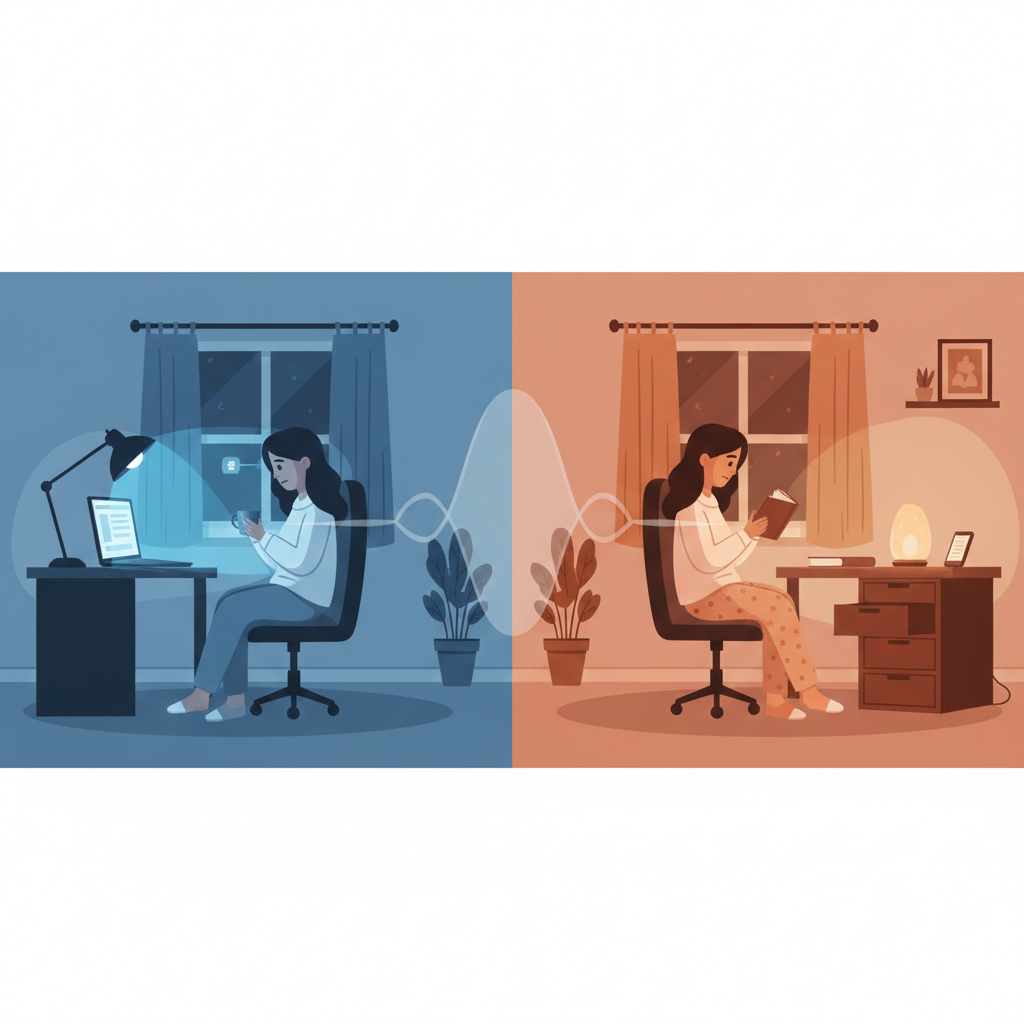
Let’s be real about something: as a remote worker, you probably have a complicated relationship with technology. Your devices are your lifeline to work, connection, and entertainment. But here’s the catch – the same technology that enables your freedom might be stealing your sleep and, ultimately, your well-being.
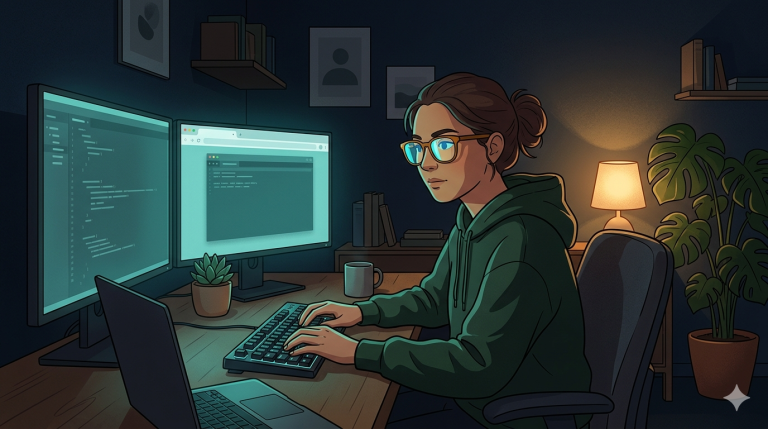
If you’re lying in bed scrolling through your phone at 11 PM, checking “just one more email,” or binge-watching shows until you fall asleep with your laptop on your chest, you’re not alone. The boundaries between work, entertainment, and rest have become so blurred that many remote workers don’t even realize their devices are working against them.
The solution isn’t to go completely off-grid (let’s be practical here). Instead, it’s about creating intentional boundaries that honor both your need for connection and your body’s need for rest. This is what I call the “Digital Sunset” – a strategic approach to gradually reducing your tech exposure as bedtime approaches.
Blue light exposure in the evening doesn’t just make it harder to fall asleep – it actually shifts your entire circadian rhythm. Research from Harvard Medical School shows that blue light exposure can suppress melatonin production for up to 3 hours after exposure.
The Remote Worker Challenge: Unlike office workers who have a natural transition from bright office lighting to dimmer home lighting, remote workers often maintain the same bright screen exposure from morning until night.
The Compounding Effect: When you’re working late, checking emails before bed, or unwinding with Netflix, you’re getting blue light exposure right when your body should be preparing for sleep.
The Proximity Problem: When your bedroom is down the hall from your office (or worse, when your office IS your bedroom), the psychological boundary between work and rest becomes almost non-existent.
The Notification Trap: Every ping, buzz, and flash keeps part of your brain in “alert mode,” even when you’re trying to wind down.
The FOMO Factor: The fear of missing an important email or message can create a persistent low-level anxiety that interferes with deep relaxation.
The Content Trap: Social media, news, streaming services, and even work-related content all engage your brain in ways that can be stimulating rather than relaxing.
The Decision Fatigue: Even choosing what to watch or read requires mental energy when your brain should be winding down.
Your circadian rhythm is your body’s internal clock, and it’s heavily influenced by light exposure. By gradually reducing artificial light exposure in the evening, you’re allowing your body to follow its natural rhythm.
The Melatonin Connection: Melatonin production typically begins around 9 PM when light levels decrease. Bright screens can delay this process significantly.
Cortisol Reduction: The blue light from screens can keep cortisol levels elevated, which is the opposite of what should happen in the evening.
Nervous System Shift: Reducing stimulation allows your nervous system to shift from the sympathetic (fight-or-flight) to the parasympathetic (rest-and-digest) state.
The Official Shutdown Ritual:
The Psychological Boundary:
Tools That Help:
The 3-2-1 Rule Enhanced:
Screen-Free Alternatives:
Recommended Products:
The Complete Disconnect:
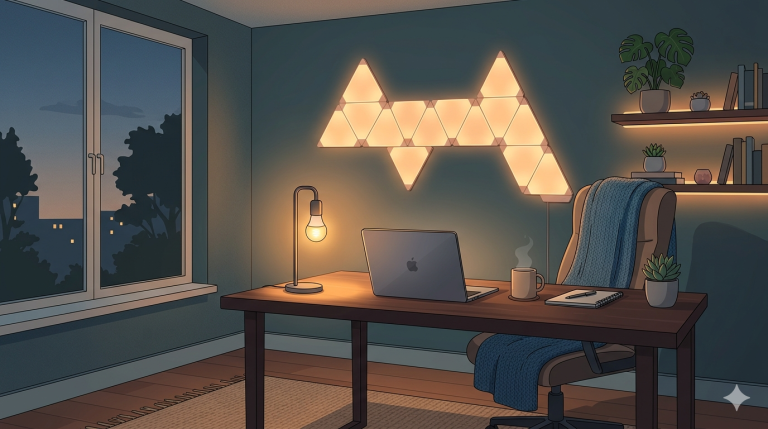
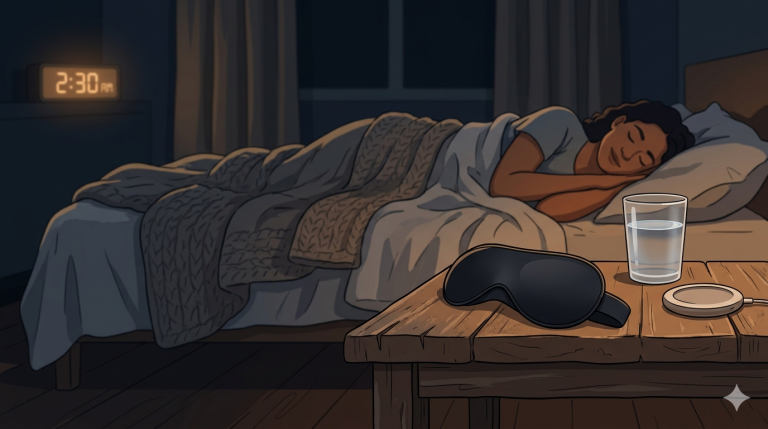
Creating Your Sanctuary:
Essential Tools:
The No-Tech Rule:
What TO Include:
Recommended Products:
End-of-Day Shutdown:
Boundary Tools:
Smart TV Settings:
Alternative Activities:
The Reality Check: Unless you’re a surgeon or emergency responder, your emails can wait until morning. The anxiety you feel about missing something is often worse than the actual consequences.
The Solution: Set specific times for checking email (e.g., 8 AM, 1 PM, 5 PM) and stick to them.
The Tools: Use email scheduling features to send emails during business hours, even if you write them earlier.
The Problem: Having your phone by your bed makes it too easy to scroll before sleep and immediately upon waking.
The Solution: Invest in a traditional alarm clock and keep your phone in another room.
The Bonus: You’ll start your day more intentionally instead of immediately diving into emails and notifications.
The Understanding: Many people do sleep better with some background noise, but TV or music with lyrics can be stimulating rather than soothing.
The Solution: Use consistent, non-stimulating sounds like white noise, nature sounds, or even a fan.
The Tools: White noise machines, fan apps, or even a simple fan can provide the background sound you need without the stimulation.
The Challenge: When you live with someone who has different sleep habits, creating boundaries can be tricky.
The Communication: Have an honest conversation about how screen time affects your sleep and work together to find solutions.
The Compromise: Consider separate bedrooms temporarily, or create a “screen-free bedroom” policy that works for both of you.
Computer Filters:
Physical Filters:
Phone Settings:
Email Management:
Living Room Lighting:
Recommended Lighting:
The Reality: This is normal! We’ve become so accustomed to constant stimulation that quiet time can feel uncomfortable initially.
The Solution: Start small and have specific activities planned. Keep a list of screen-free activities you enjoy.
The Shift: After 1-2 weeks, many people find they actually crave this quiet time.
The Perspective: Ask yourself: In the past year, how many truly urgent issues have come up after 9 PM that couldn’t wait until morning?
The Strategy: Set clear expectations with colleagues, clients, and family about your availability.
The Emergency Protocol: If you truly need to be available for emergencies, designate specific contacts who can reach you and turn off everything else.
The Timeline: Sleep improvements from digital sunset practices typically take 2-4 weeks to become noticeable.
The Factors: Consider other sleep disruptors: stress, caffeine, room temperature, mattress comfort, etc.
The Patience: Stick with the routine even if you don’t see immediate results. Your body needs time to adjust.
The Morning Phone Check: Resist the urge to check your phone immediately upon waking. Give yourself at least 15-30 minutes to wake up naturally.
The Intention Setting: Start your day with purpose rather than reacting to notifications.
The Energy Management: Use your natural energy rhythms instead of being driven by external notifications.
The Focus Blocks: Use airplane mode or focus apps during deep work sessions.
The Break Rituals: Take real breaks away from screens – step outside, stretch, or have a conversation.
The Lunch Hour: Make lunch a true break from work and screens when possible.
The Helpful Tools:
The Caution: Don’t become obsessive about sleep metrics. Use them as general guides, not sources of stress.
The Automation:
Recommended Products:
Focus and Blocking Apps:
Relaxation Apps:
When you implement a consistent digital sunset routine, you’re not just improving your sleep – you’re fundamentally changing your relationship with technology and work. Here’s what many remote workers discover:
Better Work-Life Balance: Clear boundaries help you be more present in both work and personal time.
Increased Creativity: A rested mind is more creative and innovative.
Improved Relationships: Being more present with family and friends strengthens connections.
Greater Life Satisfaction: Better sleep and less screen time often lead to more engaging hobbies and activities.
The digital sunset isn’t about rejecting technology – it’s about using it intentionally. As a remote worker, you have the unique opportunity to design your environment and routines in ways that support your well-being rather than undermining it.
Start small. Pick one element of the digital sunset routine and implement it tonight. Maybe it’s charging your phone outside your bedroom, or reading a physical book instead of scrolling before bed. Small changes compound over time.
Remember, this isn’t about perfection. There will be nights when you need to work late or when you choose to watch a movie before bed. The goal is creating a sustainable routine that serves you most of the time.
Your sleep is the foundation of everything else – your work performance, your relationships, your health, and your happiness. By taking control of your digital environment, you’re investing in a better version of yourself.
The sunset happens every day, whether we pay attention to it or not. Make your digital sunset just as consistent, and watch how it transforms not just your sleep, but your entire approach to remote work and life.
Your future well-rested self will thank you.